v2.2.2
 kim committed
No files matched your search
@@ -11,12 +11,52 @@
|
||||
"role": "assistant",
|
||||
"content": "2026년 5월 1일 주요 BBC 뉴스입니다.\n\n* **중동 긴장 고조:** 트럼프 대통령이 이란에 대한 '짧고 강력한' 타격 계획을 보고받을 예정이라는 소식에 국제 유가가 2022년 이후 최고치를 기록했습니다.\n* **가자 구호선 나포:** 이스라엘군이 크레타섬 인근에서 가자로 향하던 구호선 22척을 나포하고 활동가 175명을 구금했습니다.\n* **영국 왕실 동정:** 찰스 3세 국왕 부부가 미국 독립 250주년 축하 행사를 끝으로 4일간의 방미 일정을 마쳤으며, 트럼프 대통령이 작별 인사를 전했습니다.\n* **기타:** 런던에 새로 등장한 조각상이 본인의 작품임을 뱅크시가 확인했으며, 호주 아웃백에서는 실종된 5세 아동이 살해된 것으로 추정되는 시신으로 발견되었습니다.",
|
||||
"timestamp": 1777562223847
|
||||
},
|
||||
{
|
||||
"role": "user",
|
||||
"content": "맹금류 사진 몇 장 찾아 줘.",
|
||||
"timestamp": 1777564268942
|
||||
},
|
||||
{
|
||||
"role": "assistant",
|
||||
"content": "멋진 맹금류 사진들을 찾았습니다.\n\n1. **매(Peregrine Falcon)의 근접 프로필**: [사진 보기](https://unsplash.com/photos/vUiZXRBzEjY)\n2. **하늘을 나는 매의 웅장한 모습**: [사진 보기](https://unsplash.com/photos/akXtxwknt4Y)\n3. **나뭇가지에 앉아 있는 매의 날카로운 눈빛**: [사진 보기](https://unsplash.com/photos/oOz5oktBOv8)\n4. **붉은어깨매(Red-shouldered Hawk)의 상세한 깃털**: [사진 보기](https://unsplash.com/photos/BulR7OqTnqI)\n\n더 많은 사진이 필요하시면 말씀해 주세요!",
|
||||
"timestamp": 1777564312004
|
||||
},
|
||||
{
|
||||
"role": "user",
|
||||
"content": "맹금류 사진 5 장 찾아 줘",
|
||||
"timestamp": 1777564852895
|
||||
},
|
||||
{
|
||||
"role": "assistant",
|
||||
"content": "요청하신 맹금류 사진 5장입니다.\n\n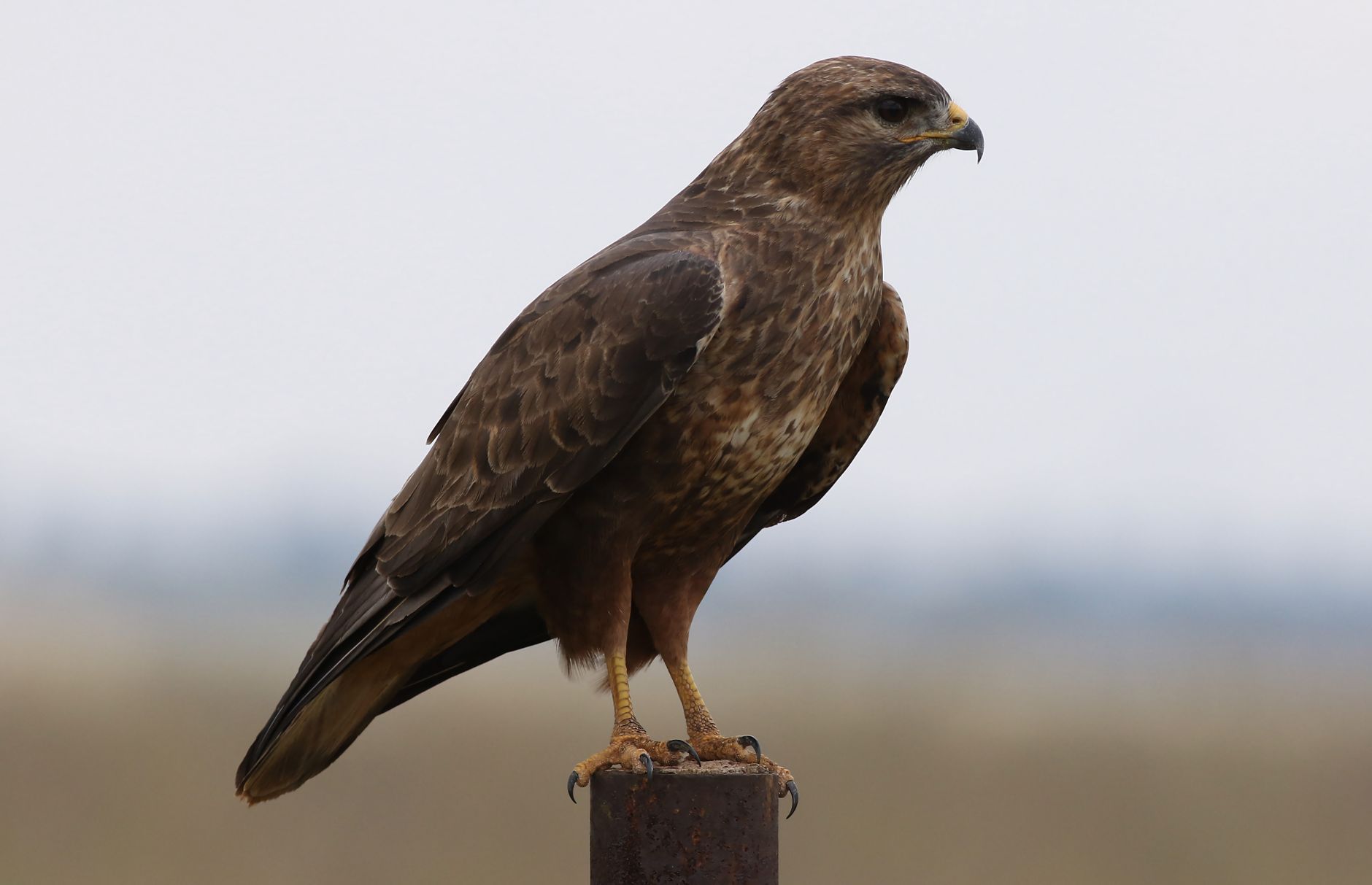\n*📷 Derek Keats — Pexels*\n\n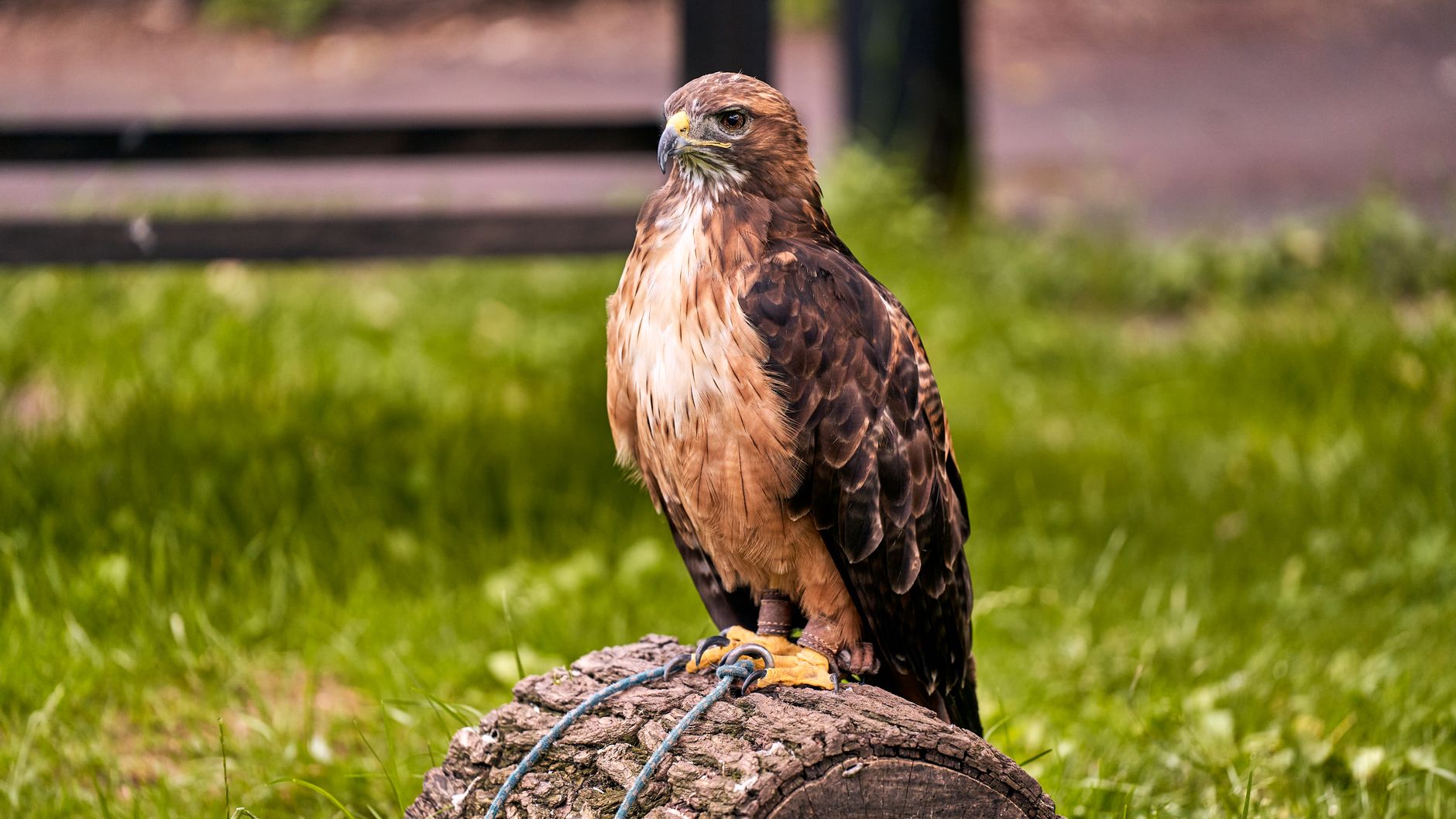\n*📷 Willians Huerta — Pexels*\n\n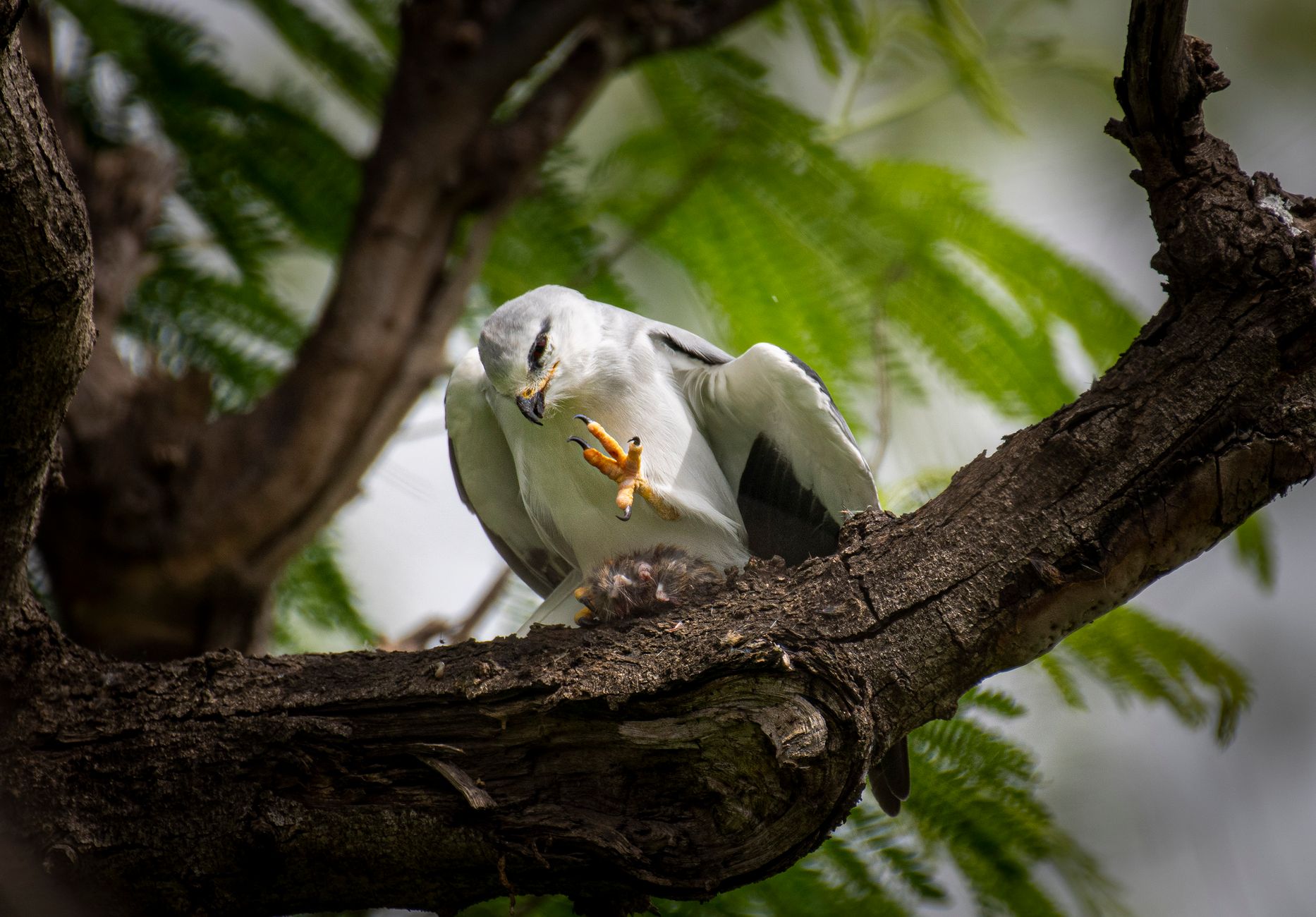\n*📷 Rajukhan Pathan — Pexels*\n\n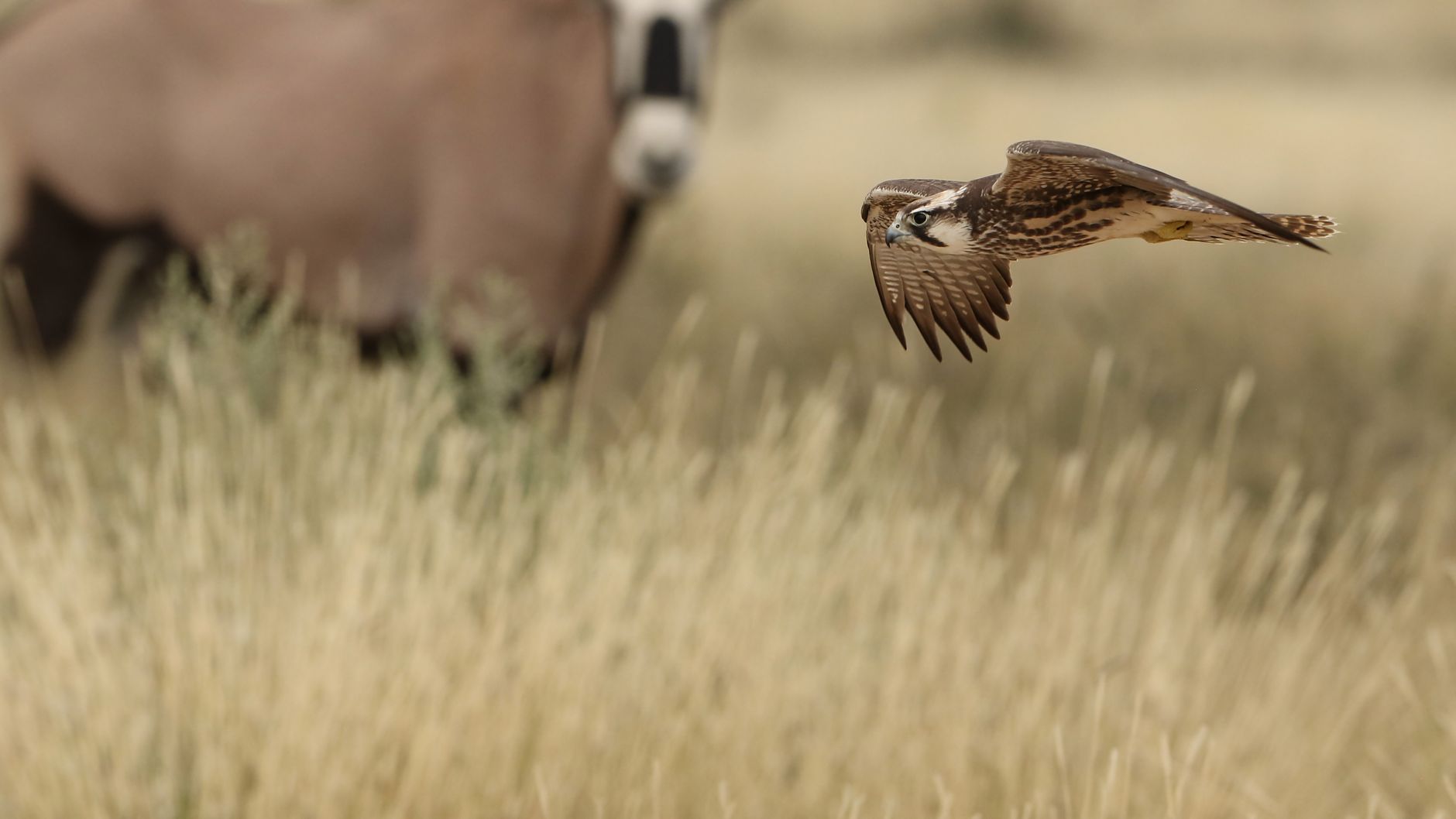\n*📷 Derek Keats — Pexels*\n\n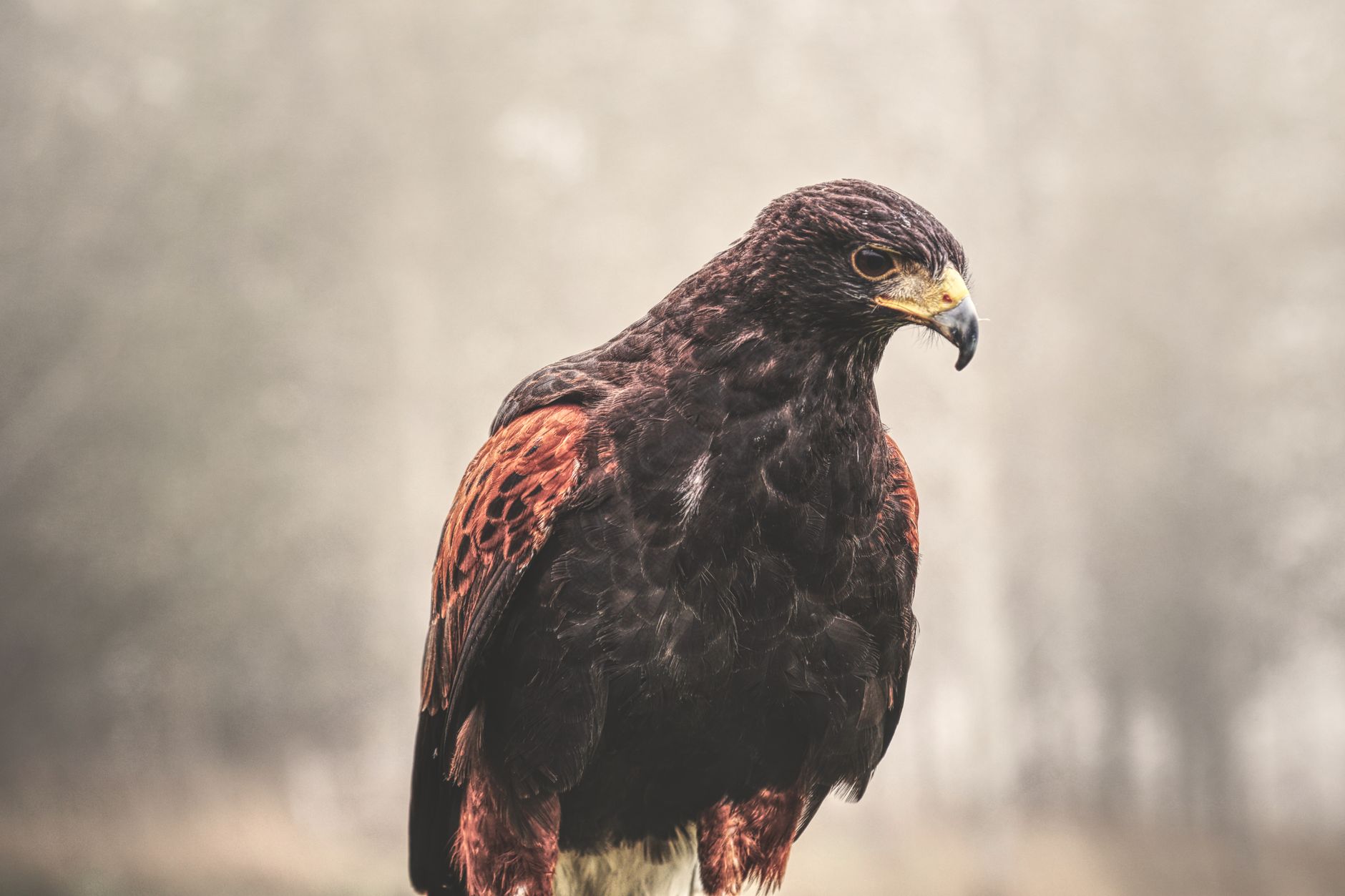\n*📷 Luca Volpe Productions — Pexels*",
|
||||
"timestamp": 1777564858596
|
||||
},
|
||||
{
|
||||
"role": "user",
|
||||
"content": "슬라이드로 만들자",
|
||||
"timestamp": 1777564945860
|
||||
},
|
||||
{
|
||||
"role": "assistant",
|
||||
"content": "맹금류 사진 5장을 포함한 슬라이드 제작을 완료했습니다. '맹금류_갤러리' 폴더에서 확인하실 수 있습니다.",
|
||||
"timestamp": 1777564955478
|
||||
},
|
||||
{
|
||||
"role": "user",
|
||||
"content": "다시 만들어 줘",
|
||||
"timestamp": 1777565234096
|
||||
},
|
||||
{
|
||||
"role": "assistant",
|
||||
"content": "새로운 사진들로 맹금류 슬라이드를 다시 제작했습니다. '맹금류_갤러리_v2' 폴더에서 확인해 보세요.",
|
||||
"timestamp": 1777565245783
|
||||
}
|
||||
],
|
||||
"workspace": "/home/kim/homeclaw/workspace",
|
||||
"createdAt": 1777560002619,
|
||||
"lastActiveAt": 1777562223847,
|
||||
"lastActiveAt": 1777565245783,
|
||||
"pendingMemoryFlush": false,
|
||||
"pendingCompaction": false,
|
||||
"contextTokenEstimate": 127
|
||||
"contextTokenEstimate": 563
|
||||
}
|
||||
@@ -311,9 +311,11 @@ def set_slide_bg_image(slide, image_path: str):
|
||||
fill = bg.fill
|
||||
fill.background()
|
||||
# python-pptx doesn't have a direct bg-image API — add a full-slide image instead
|
||||
slide.shapes.add_picture(
|
||||
pic = slide.shapes.add_picture(
|
||||
image_path, Inches(0), Inches(0), SLIDE_W, SLIDE_H
|
||||
)
|
||||
# Tag so pptx_preview.py can distinguish skin backgrounds from content images
|
||||
pic.name = "background_skin"
|
||||
|
||||
|
||||
def add_shape_rect(slide, left, top, width, height, color_hex: str):
|
||||
@@ -623,17 +625,20 @@ def make_image_slide(prs, slide_spec, project_dir, workspace_path, colors, warni
|
||||
image_path = slide_spec.get("image_path")
|
||||
if image_path:
|
||||
resolved = resolve_image_path(image_path, project_dir, workspace_path)
|
||||
# Image slides use full-slide bounding box with cover mode
|
||||
# so photos completely fill the available area (cropping if needed)
|
||||
# Add padding so the photo doesn't bleed edge-to-edge;
|
||||
# use contain so the full photo is visible without cropping.
|
||||
h_pad = Inches(0.5)
|
||||
if has_title:
|
||||
img_y = Inches(1.1)
|
||||
max_h = SLIDE_H - Inches(1.1)
|
||||
img_top = Inches(1.2)
|
||||
v_pad = Inches(0.3)
|
||||
else:
|
||||
img_y = Inches(0)
|
||||
max_h = SLIDE_H
|
||||
img_top = Inches(0.4)
|
||||
v_pad = Inches(0.4)
|
||||
add_image_or_placeholder(slide, resolved,
|
||||
Inches(0), img_y, SLIDE_W, max_h,
|
||||
warnings, fit_mode="cover")
|
||||
h_pad, img_top,
|
||||
SLIDE_W - 2 * h_pad,
|
||||
SLIDE_H - img_top - v_pad,
|
||||
warnings, fit_mode="contain")
|
||||
|
||||
return slide
|
||||
|
||||
|
||||
@@ -278,10 +278,9 @@ def generate_card_preview(pptx_path: str, output_dir: str) -> list:
|
||||
if text:
|
||||
texts.append(text)
|
||||
# Extract embedded images (PICTURE shape_type == 13)
|
||||
# Skip full-slide background images (skin/wallpaper covers ≥90% of slide)
|
||||
# Skip skin background shapes (tagged "background_skin" by pptx_gen.py)
|
||||
if shape.shape_type == 13:
|
||||
is_bg = (shape.width >= slide_w * 0.9 and shape.height >= slide_h * 0.9)
|
||||
if is_bg:
|
||||
if getattr(shape, 'name', '') == 'background_skin':
|
||||
continue
|
||||
try:
|
||||
image = shape.image
|
||||
|
||||
@@ -910,6 +910,7 @@ function detectToolCategories(text: string): Set<string> {
|
||||
// 'why' removed — matches casual questions; keep specific error/debug terms
|
||||
const DEBUG = ['error', 'failed', 'how does', 'architecture', 'debug', 'caused', 'broke', 'not working', 'explain how', 'whats wrong', "what's wrong"];
|
||||
const WORKFLOW = ['workflow', 'agent builder', 'architect_workflow', 'deploy workflow', 'workflow template', 'build workflow'];
|
||||
const PHOTO = ['사진', '이미지', 'photo', 'image', 'picture', 'search_images', 'find photo', 'find image', 'show photo', 'show image'];
|
||||
if (WEB.some(k => lower.includes(k))) cats.add('web');
|
||||
if (BROWSER.some(k => lower.includes(k))) cats.add('browser');
|
||||
if (DESKTOP.some(k => lower.includes(k))) cats.add('desktop');
|
||||
@@ -921,6 +922,7 @@ function detectToolCategories(text: string): Set<string> {
|
||||
if (PPTX.some(k => lower.includes(k))) cats.add('pptx');
|
||||
if (DEBUG.some(k => lower.includes(k))) cats.add('debug');
|
||||
if (WORKFLOW.some(k => lower.includes(k))) cats.add('workflow');
|
||||
if (PHOTO.some(k => lower.includes(k))) cats.add('photo');
|
||||
return cats;
|
||||
}
|
||||
|
||||
@@ -947,6 +949,8 @@ const TOOL_BLOCKS: Record<string, string> = {
|
||||
pptx: `PPTX WORKFLOW — MANDATORY: When the user asks for ANY PPTX / PowerPoint / presentation / slide deck, you MUST use the create_presentation tool. NO EXCEPTIONS. (1) Call create_presentation ONCE with ALL slides in a single spec. The tool auto-creates the project folder from the title. (2) Slide type field is called type — valid values: "title", "content", "section", "image", "blank". Do NOT use layout. (3) For slide images, put image_url directly in the slide spec — the Python engine downloads it automatically into the project folder. Do NOT write Python scripts to download images. Do NOT call shell("curl ...") to download images — before OR after create_presentation. create_presentation handles ALL image downloading internally. (4) If image_url fails or you have a local file, use image_path relative to the project folder (e.g. "uploads/photo.jpg"). image_url takes priority if both are set. (5) Missing images become red "[Image not found]" placeholders — this is expected, not an error. NEVER retry a failed image download, NEVER recreate the presentation, and NEVER call create_presentation again for the same topic. (6) PREFERRED IMAGE SOURCES: Use Unsplash, Pexels, or Pixabay direct image URLs. AVOID Wikipedia / Wikimedia Commons image URLs — they often return 403/400. (7) The .pptx file is saved inside the project folder. IMPORTANT: Always combine ALL slides into a SINGLE create_presentation call. NEVER create multiple presentations for the same topic. After create_presentation returns successfully, the task is DONE. Do not make any follow-up tool calls. (8) To ADD slides to an existing presentation, use edit_presentation(path, spec) — do NOT write Python scripts to edit PPTX files.`,
|
||||
|
||||
workflow: `WORKFLOW TOOLS: ALWAYS call search_workflow_templates(intent) FIRST before creating anything — reuse existing workflows. If no match: (1) architect_workflow(desc) → (2) verify_workflow_credentials(wf_id) if creds needed → wait for user → (3) test_workflow(wf_id) → (4) deploy_workflow(wf_id, name, ...). Never call architect_workflow if search returns a match. Always relay tool user_message fields verbatim to the user.`,
|
||||
|
||||
photo: `PHOTO SEARCH: search_images(query, count?) → searches Pexels + Unsplash and returns embeddable image URLs. Display results as markdown images in your response. Use when the user asks to find, show, or search for photos or images.`,
|
||||
};
|
||||
|
||||
// Read memory categories for a specific file (for category-aware injection)
|
||||
@@ -1254,6 +1258,20 @@ function buildTools() {
|
||||
},
|
||||
},
|
||||
},
|
||||
{
|
||||
type: 'function',
|
||||
function: {
|
||||
name: 'search_images',
|
||||
description: 'Search for photos using Pexels and Unsplash. Returns embeddable image URLs to display in chat. Use whenever the user asks to find, show, or search for photos or images.',
|
||||
parameters: {
|
||||
type: 'object', required: ['query'],
|
||||
properties: {
|
||||
query: { type: 'string', description: 'What to search for (e.g. "sunset over mountains", "cute dogs playing")' },
|
||||
count: { type: 'number', description: 'Number of images to return (default 3, max 6)' },
|
||||
},
|
||||
},
|
||||
},
|
||||
},
|
||||
{
|
||||
type: 'function',
|
||||
function: {
|
||||
@@ -1844,6 +1862,54 @@ async function webFetch(url: string): Promise<string> {
|
||||
}
|
||||
|
||||
|
||||
async function imageSearch(query: string, count: number = 3): Promise<string> {
|
||||
const pexelsKey = process.env.PEXELS_API_KEY || '';
|
||||
const unsplashKey = process.env.UNSPLASH_ACCESS_KEY || '';
|
||||
if (!pexelsKey && !unsplashKey) {
|
||||
return 'No image API keys configured (PEXELS_API_KEY / UNSPLASH_ACCESS_KEY).';
|
||||
}
|
||||
const need = Math.min(Math.max(count, 1), 6);
|
||||
type ImgResult = { url: string; description: string; credit: string; source: string };
|
||||
const results: ImgResult[] = [];
|
||||
|
||||
if (pexelsKey) {
|
||||
try {
|
||||
const r = await fetch(
|
||||
`https://api.pexels.com/v1/search?query=${encodeURIComponent(query)}&per_page=${need}&orientation=landscape`,
|
||||
{ headers: { Authorization: pexelsKey }, signal: AbortSignal.timeout(8000) }
|
||||
);
|
||||
if (r.ok) {
|
||||
const d = await r.json() as any;
|
||||
for (const p of (d.photos || []).slice(0, need)) {
|
||||
const url = p.src?.large2x || p.src?.large || p.src?.original;
|
||||
if (url) results.push({ url, description: p.alt || query, credit: p.photographer || '', source: 'Pexels' });
|
||||
}
|
||||
}
|
||||
} catch {}
|
||||
}
|
||||
|
||||
if (unsplashKey && results.length < need) {
|
||||
try {
|
||||
const r = await fetch(
|
||||
`https://api.unsplash.com/search/photos?query=${encodeURIComponent(query)}&per_page=${need - results.length}&orientation=landscape`,
|
||||
{ headers: { Authorization: `Client-ID ${unsplashKey}` }, signal: AbortSignal.timeout(8000) }
|
||||
);
|
||||
if (r.ok) {
|
||||
const d = await r.json() as any;
|
||||
for (const p of (d.results || [])) {
|
||||
const url = p.urls?.regular || p.urls?.full;
|
||||
if (url) results.push({ url, description: p.alt_description || p.description || query, credit: p.user?.name || '', source: 'Unsplash' });
|
||||
}
|
||||
}
|
||||
} catch {}
|
||||
}
|
||||
|
||||
if (!results.length) return `No images found for "${query}".`;
|
||||
return results
|
||||
.map(r => `\n*📷 ${r.credit ? r.credit + ' — ' : ''}${r.source}*`)
|
||||
.join('\n\n');
|
||||
}
|
||||
|
||||
interface ToolResult {
|
||||
name: string;
|
||||
args: any;
|
||||
@@ -2098,6 +2164,11 @@ async function executeTool(name: string, args: any, workspacePath: string, sessi
|
||||
return { name, args, result, error: false };
|
||||
}
|
||||
|
||||
case 'search_images': {
|
||||
const result = await imageSearch(String(args.query || ''), Number(args.count) || 3);
|
||||
return { name, args, result, error: result.startsWith('No image API') || result.startsWith('No images found') };
|
||||
}
|
||||
|
||||
case 'web_fetch': {
|
||||
const fetchUrl = String(args.url || '');
|
||||
// Block local/internal URLs — these are not web pages
|
||||
|
||||
@@ -0,0 +1,24 @@
|
||||
<!DOCTYPE html>
|
||||
<html lang="ko">
|
||||
<head>
|
||||
<meta charset="UTF-8">
|
||||
<title>맹금류 갤러리 - 다운로드</title>
|
||||
<style>
|
||||
body { font-family: 'Malgun Gothic', sans-serif; max-width: 600px; margin: 60px auto; padding: 20px; text-align: center; background: #f8f9fa; }
|
||||
.card { background: white; border-radius: 12px; padding: 40px 30px; box-shadow: 0 4px 20px rgba(0,0,0,0.08); }
|
||||
h1 { color: #1a1a2e; font-size: 24px; margin-bottom: 10px; }
|
||||
p { color: #5f6f86; margin-bottom: 30px; }
|
||||
.btn { display: inline-block; background: #1668e3; color: white; text-decoration: none; padding: 14px 36px; border-radius: 8px; font-size: 16px; font-weight: bold; transition: background 0.2s; }
|
||||
.btn:hover { background: #1255bb; }
|
||||
.meta { margin-top: 20px; font-size: 12px; color: #888; }
|
||||
</style>
|
||||
</head>
|
||||
<body>
|
||||
<div class="card">
|
||||
<h1>맹금류 갤러리</h1>
|
||||
<p>슬라이드 6장이 준비되었습니다.</p>
|
||||
<a class="btn" href="맹금류_갤러리.pptx" download>프레젠테이션 다운로드</a>
|
||||
<div class="meta">/home/kim/homeclaw/workspace/맹금류_갤러리/맹금류_갤러리.pptx</div>
|
||||
</div>
|
||||
</body>
|
||||
</html>
|
||||

|
After Width: | Height: | Size: 8.4 KiB |

|
After Width: | Height: | Size: 10 KiB |

|
After Width: | Height: | Size: 6.4 KiB |

|
After Width: | Height: | Size: 13 KiB |

|
After Width: | Height: | Size: 7.8 KiB |

|
After Width: | Height: | Size: 8.7 KiB |

|
After Width: | Height: | Size: 233 KiB |

|
After Width: | Height: | Size: 161 KiB |

|
After Width: | Height: | Size: 230 KiB |

|
After Width: | Height: | Size: 51 KiB |

|
After Width: | Height: | Size: 131 KiB |
@@ -0,0 +1,24 @@
|
||||
<!DOCTYPE html>
|
||||
<html lang="ko">
|
||||
<head>
|
||||
<meta charset="UTF-8">
|
||||
<title>맹금류_갤러리_v2 - 다운로드</title>
|
||||
<style>
|
||||
body { font-family: 'Malgun Gothic', sans-serif; max-width: 600px; margin: 60px auto; padding: 20px; text-align: center; background: #f8f9fa; }
|
||||
.card { background: white; border-radius: 12px; padding: 40px 30px; box-shadow: 0 4px 20px rgba(0,0,0,0.08); }
|
||||
h1 { color: #1a1a2e; font-size: 24px; margin-bottom: 10px; }
|
||||
p { color: #5f6f86; margin-bottom: 30px; }
|
||||
.btn { display: inline-block; background: #1668e3; color: white; text-decoration: none; padding: 14px 36px; border-radius: 8px; font-size: 16px; font-weight: bold; transition: background 0.2s; }
|
||||
.btn:hover { background: #1255bb; }
|
||||
.meta { margin-top: 20px; font-size: 12px; color: #888; }
|
||||
</style>
|
||||
</head>
|
||||
<body>
|
||||
<div class="card">
|
||||
<h1>맹금류_갤러리_v2</h1>
|
||||
<p>슬라이드 6장이 준비되었습니다.</p>
|
||||
<a class="btn" href="맹금류_갤러리_v2.pptx" download>프레젠테이션 다운로드</a>
|
||||
<div class="meta">/home/kim/homeclaw/workspace/맹금류_갤러리_v2/맹금류_갤러리_v2.pptx</div>
|
||||
</div>
|
||||
</body>
|
||||
</html>
|
||||

|
After Width: | Height: | Size: 8.4 KiB |

|
After Width: | Height: | Size: 108 KiB |

|
After Width: | Height: | Size: 126 KiB |

|
After Width: | Height: | Size: 112 KiB |

|
After Width: | Height: | Size: 121 KiB |

|
After Width: | Height: | Size: 141 KiB |

|
After Width: | Height: | Size: 128 KiB |

|
After Width: | Height: | Size: 154 KiB |

|
After Width: | Height: | Size: 147 KiB |

|
After Width: | Height: | Size: 210 KiB |

|
After Width: | Height: | Size: 207 KiB |